
I want to show a real easy way to put user stories in a spreadsheet-based product backlog. I wrote this after seeing someone tweet a screen capture of a product backlog I made nine years ago and thought to myself, "Yikes, that's out of date for how I do it today ..." So in this post, well look at an agile product backlog template in Excel.
As you probably know, I'm a big fan of writing the product backlog in the form of [user stories](/agile/user-stories) and of writing user stories in the form: "As a _____, I ______, so that _______." An example being: "As a frequent flyer, I really want to be able to connect to the internet while flying so that I can update my blog while traveling rather than having to save this as a text file and updating my blog later." (Can you guess where I am while writing this?)
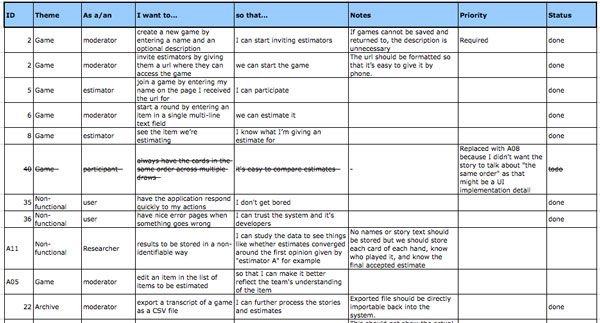
What I've found makes a user story in this format very easy to work with in an agile Excel spreadsheet is to take the boilerplate parts and put them into column headings. So we'll have column headings like "As a" and "I" and "so that". The meat of each story is then clearly visible in each row. Additional columns can be added for things like a unique identifier, notes, status and such. In this example, I've also included a column for the theme or grouping of which the story is a part. You can see this in the screen capture below.
200 User Story Examples
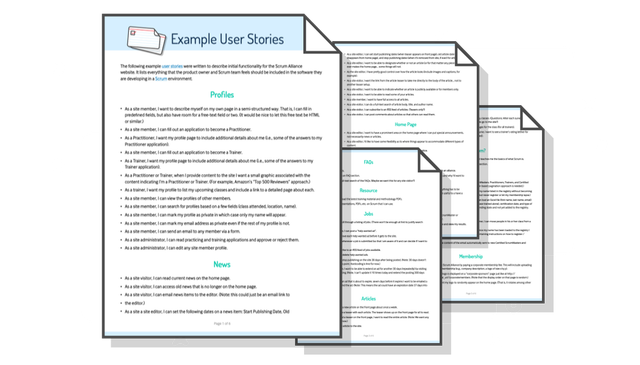
FeaturedExplore more than 200 user stories from three real product backlogs Mike Cohn created, and use them as practical examples for your own team. See user stories Mike Cohn wrote as part of several real product backlogs.

Mastering User Stories
FeaturedA one-day course where your team improves real backlog items while learning how to write, split, and refine better stories.

Story Writing Workshop
FeaturedImprove real backlog items in a facilitated workshop so teams can practice user stories with work they actually need to deliver.

Story Critic
Story Critic is a free AI coach for improving backlog items without turning them into miniature specifications. It helps developers, testers, analysts, designers, and product owners make user stories, job stories,…

How To Prioritize A Product Backlog
A Product Owner has to help the team build the right things in the right order. Scrum often uses the word “ordered” for the product backlog.

How to Use AI for Product Discovery and Writing Better User Stories
Use AI to support product discovery, user interviews, and writing better user stories.

Backlogs
Learn how to shape, prioritize, refine, and size product and sprint backlogs so teams can focus on valuable work that is ready at the right time.

User Stories
User stories help agile teams move from documenting requirements to understanding them. This guide explains what user stories are, how to write them, how to recognize good stories, and how to use practices such as…

User Story Template: What It Is and Why It Works So Well
Understand why the three-part user story template works and where it falls short.
What Is a User Story in Agile? (Examples + Template)
“As a product owner, I want to stop wasting time writing useless specs, so that my team actually builds what users want.” Sound familiar? Then "What Is a User Story" is for you. This video describes what makes powerful, user-centered stories that drive real value.
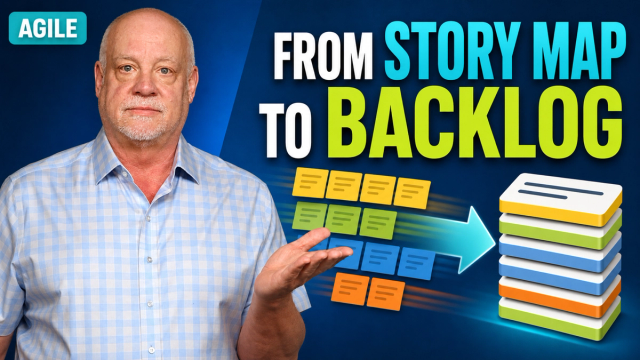
How User Story Maps Become Product Backlog Items
Want to know how cards in user story maps become product backlog items? Get the answer in this quick video.

SPIDR: Five Simple but Powerful Ways to Split User Stories
Splitting user stories is hard. Here are the only five techniques you need to be able to slice any user story into small, manageable chunks of work.

Job Stories Offer a Viable Alternative to User Stories
As useful as user stories can be, they’ve never been right for every team. An exciting alternative for some teams is the job story.
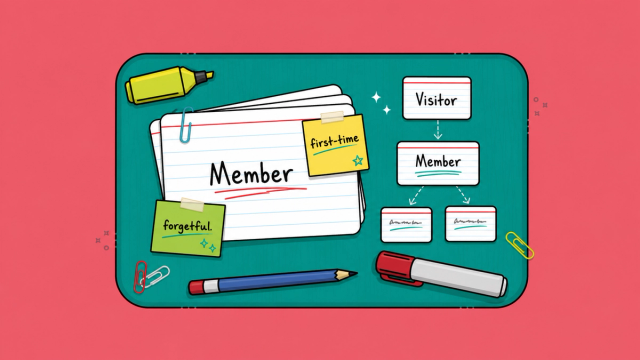
Adding Decorated User Roles to Your User Stories
Add context to user roles so stories describe needs with more precision.

Backlog Refinement Workshop
Improve refinement using real backlog items so planning is clearer and faster.

Backlog Story Improvement
Improve backlog quality, story splitting, refinement, and the flow of work from idea to delivery.