

A product backlog is a prioritized list of possible future work for a product. It helps the Product Owner and team decide what to build, fix, learn, or improve next.
A good backlog is not a storage place for every idea anyone has ever had. It is a living decision-making tool that helps the team focus on the most valuable next work while keeping future options visible.
Use this guide to understand what belongs in a product backlog, how to prioritize it, how much detail items need, how refinement works, and how to keep the backlog useful as the product changes.
Who This Guide Is For
This guide is for Product Owners, Scrum Masters, agile coaches, Developers, stakeholders, and leaders who want a backlog that supports better product decisions.
It is especially useful for:
- Product Owners trying to make clearer priority decisions
- Scrum Masters helping teams improve refinement and Sprint Planning
- Developers who need better context before starting work
- Stakeholders who want their requests considered without overwhelming the team
- Leaders who want more predictable delivery without turning the backlog into a contract
- Teams with backlogs that are too large, stale, vague, detailed in the wrong places, or hard to use
In This Guide
This guide explains what a product backlog is, what belongs in one, how prioritization works, and why detail should increase as work moves closer to implementation.
You will also learn how refinement creates shared understanding, how teams prioritize backlog items, what healthy backlogs have in common, and how to spot the common problems that make Sprint Planning and delivery harder.
What Is a Product Backlog?
A product backlog is the Product Owner's prioritized list of possible future work for a product. In Scrum, the Product Owner is accountable for the backlog and its prioritization, but the best backlogs are shaped through collaboration with the whole Scrum Team and stakeholders.
The backlog can include features, bugs, technical work, spikes, experiments, product improvements, risk-reduction work, and anything else the Product Owner may want the team to consider.
Many backlog items are written as user stories. Not all of them need to be. The right format is the one that helps the team understand the work well enough for the decision being made now. Learn more about What Belongs in a Product Backlog and Not Everything Needs to Be a User Story.
The Product Backlog Is a Decision Tool
A backlog is most useful when it helps the Product Owner and team make better decisions. It should clarify what matters now, what might matter later, what needs more learning, and what no longer deserves attention.
That is different from treating the backlog as a promise. A team should not feel committed to every item just because it appears somewhere in the list. Lower backlog items are options, not obligations.
The Product Owner uses the backlog to make tradeoffs visible. If something moves up, something else moves down. If a new opportunity matters more, older ideas may need to wait or disappear.
A healthy backlog makes those choices discussable. It does not remove judgment. It gives judgment a place to happen.
What Belongs in a Product Backlog?
Anything that may improve the product can belong in the backlog. The important word is may. The backlog is a place for options the Product Owner might choose, not a guarantee that every item will be built.
Useful backlog items often include:
- Features or capabilities users need
- Bugs or defects that should be fixed
- Technical improvements that reduce future cost or risk
- Spikes or research items that help the team learn
- Experiments that test a product assumption
- Improvements suggested by customers, users, support, sales, or stakeholders
- Compliance, security, performance, or operational work that affects product value
The backlog should not become a dumping ground for unfiltered requests. Items earn their place by helping the Product Owner make better choices. Learn more about Bugs on the Product Backlog, Choose Backlog Items That Serve Two Purposes, and Needs, Wants, and Wishes on Your Product Backlog.
Product Backlog Prioritization Considers More Than Value
A product backlog should be prioritized. But prioritizing well means considering more than a single measure of business value.
The Product Owner may consider value, urgency, risk, learning, dependencies, market timing, cost of delay, stakeholder needs, technical health, and team capacity. Sometimes the most valuable item is not the best next item if the team first needs to reduce risk or learn something.
A practical prioritization question is:
What is the best next use of the team's limited time?
That question keeps prioritization connected to tradeoffs. It reminds everyone that the team cannot do everything next. Learn more about How to Prioritize a Product Backlog, 5 Key Factors for Effective Product Backlog Prioritization, and The Problems with Estimating Business Value.
How Much Detail Should Backlog Items Have?
Backlog items should have enough detail for the next decision. That is the key idea.
Items near the top of the backlog need more clarity because the team may discuss, estimate, refine, or bring them into a sprint soon. Items farther down can remain larger and less detailed because they are more likely to change.
This is why the backlog is often described as an iceberg. The small visible top is more detailed. The much larger lower portion exists, but it does not need the same level of detail yet.
Adding detail too early creates waste. Adding detail too late creates confusion. Good backlog management finds the useful middle. Learn more about Why Your Product Backlog Should Look Like an Iceberg, Writing the Product Backlog Just in Time and Just Enough, and How Detailed Should a User Story Be?.
Refinement Creates Shared Understanding
Product backlog refinement is the ongoing activity of improving upcoming backlog items so the Product Owner and team share enough understanding to make responsible planning decisions.
Refinement may include clarifying value, splitting large items, identifying acceptance criteria, discussing risks, estimating, removing stale items, or deciding an item should move lower because it is not important enough right now.
The goal is not to remove every unknown. The goal is to know enough that the team can responsibly consider the item for a future sprint.
A useful refinement question is:
Do we understand this item well enough to believe it can be completed within a sprint?
When the answer is yes, stop refining that item for now. When the answer is no, identify what uncertainty most threatens the team's ability to plan or finish the work. Learn more about Product Backlog Refinement, Rethink the Refinement Session, and Backlog Refinement Basics.
Splitting Work So the Team Can Finish
Backlog items near the top should usually be small enough that the team can finish them within a sprint. Large items hide uncertainty and create the illusion of progress.
Good splitting preserves value. It does not simply divide work by technical layer. A split item should still represent meaningful progress: a user can do something, a stakeholder can learn something, risk is reduced, or the product becomes measurably better.
The point of splitting is not to create more backlog administration. It is to create smaller decisions, faster feedback, and more chances to finish. Learn more about Story Splitting, Five Story-Splitting Mistakes, and Working with Complex User Stories.
Product Backlog Health
Backlog health is visible in what the backlog helps the team do. A healthy backlog makes tradeoffs easier, makes Sprint Planning smoother, keeps near-term work clear, and allows low-value work to disappear.
An unhealthy backlog may be huge, stale, duplicated, over-detailed, under-refined, politically prioritized, or disconnected from current product goals.
Keeping the backlog healthy means regularly asking what should move up, move down, be split, be clarified, be combined, be deferred, or be removed.
Healthy backlogs are usually emergent, estimated appropriately, prioritized, and detailed just enough. That is the idea behind the DEEP model. Learn more about Product Backlog Health, Make the Product Backlog DEEP, and Four Steps to Keep Your Product Backlog Small.
How the Backlog Supports Sprint Planning
Sprint Planning goes better when the top of the product backlog is ready for conversation. That does not mean every detail is known. It means the Product Owner and Developers understand the intent, likely scope, major risks, and what must be true for the work to be considered done.
If Sprint Planning repeatedly turns into discovery, refinement, or argument about what items mean, the problem is often upstream. The backlog is not yet supporting the planning conversation.
A better backlog gives the team enough confidence to select work and create a Sprint Goal without pretending the sprint will contain no surprises. Learn more about Sprint Planning and Four Reasons Agile Teams Estimate Product Backlog Items.
Common Product Backlog Mistakes
Letting the Backlog Become a Warehouse
A backlog that stores every idea forever hides the decisions that matter now. For more detail, see Product Backlog Health and Keep Your Backlog Small.
Confusing a Long Backlog with a Healthy Backlog
A long backlog can look reassuring, but size is not health. A useful backlog makes tradeoffs easier. For more detail, see Product Backlog Health and Product Backlog DEEP.
Over-Refining Far-Future Work
Detail added too early is often waste. Save deeper refinement for items likely to matter soon. For more detail, see Product Backlog Refinement and Just-in-Time Detail.
Bringing Oversized Items Into Sprint Planning
Large items create uncertainty. Split them before they become sprint candidates. For more detail, see Story Splitting and Complex User Stories.
Treating Acceptance Criteria as a Contract
Acceptance criteria should create shared understanding, not contractual wording that crowds out conversation. For more detail, see Acceptance Criteria and Adding Detail to User Stories.
Turning Refinement Into Mini Sprint Planning
Refinement prepares backlog items for planning. Detailed task planning belongs in Sprint Planning. For more detail, see Product Backlog Refinement and Sprint Planning.
Is Your Product Backlog Helping the Team Decide What to Do Next?
Use these questions to decide where the next backlog improvement should focus.
- Do the top items help the Product Owner and team make clear tradeoffs?
- Are upcoming items small enough and clear enough for Sprint Planning?
- Are lower-priority items allowed to remain larger and less detailed?
- Are stale, duplicate, or low-value items removed regularly?
- Is the backlog prioritized around outcomes, value, learning, risk, dependencies, and capacity?
- Does refinement create confidence without trying to eliminate every unknown?
- Are large items split before they become sprint candidates?
- Does the team understand what must be true for near-term items to be considered complete?
- Can stakeholders see why some requests are not next?
- Does the backlog support the product goal, or has it become a disconnected request list?
If several answers are no, the team probably does not need more backlog items. It needs better backlog decisions.
FAQ
What is a product backlog?
A product backlog is a prioritized list of possible future work for a product. It can include features, bugs, technical work, research, experiments, improvements, and other items the Product Owner may want the team to consider.
Who owns the product backlog?
The Product Owner is accountable for the product backlog and its prioritization. Others should contribute ideas, evidence, questions, estimates, technical insight, and stakeholder input.
Should every product backlog item be a user story?
No. User stories are useful for many items, but a backlog may also contain bugs, technical work, spikes, experiments, FDD-style features, and other useful forms.
What is product backlog refinement?
Product backlog refinement is the ongoing work of improving upcoming items so the Product Owner and team share enough understanding to make responsible planning decisions.
How much detail should a product backlog item have?
Enough for the decision being made now. Far-future items can be brief. Items near the top should be clear enough for refinement, estimation, prioritization, and Sprint Planning.
How do you prioritize a product backlog?
The Product Owner prioritizes the backlog by considering value, urgency, risk, learning, dependencies, cost of delay, stakeholder needs, technical health, and team capacity. No formula removes the need for judgment.
How do I know if my backlog is healthy?
Look at the results it creates. Healthy backlogs make tradeoffs easier, support Sprint Planning, keep near-term items clear, remove stale work, and help the team deliver valuable product increments.
How often should a product backlog be updated?
Often enough that it reflects current learning and priorities. Some teams adjust the backlog daily. Others make bigger changes during refinement, reviews, roadmap discussions, or planning conversations.
What is the difference between a product backlog and a sprint backlog?
The product backlog is the prioritized list of possible future product work. The sprint backlog is the Developers' plan for the current sprint, including selected product backlog items and the work needed to meet the Sprint Goal.
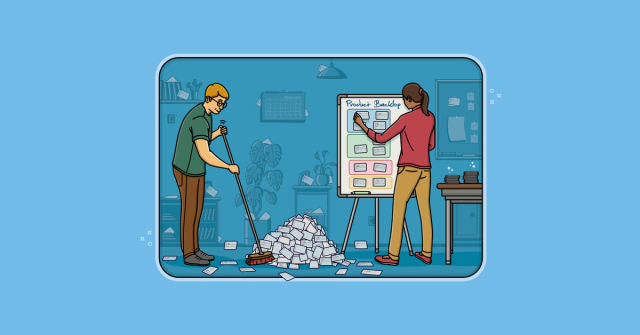
AI Changes What Makes a Product Backlog Valuable
FeaturedAI makes detailed backlog items and working software easier to produce. Learn why that favors more dynamic backlogs and makes early validation more important.
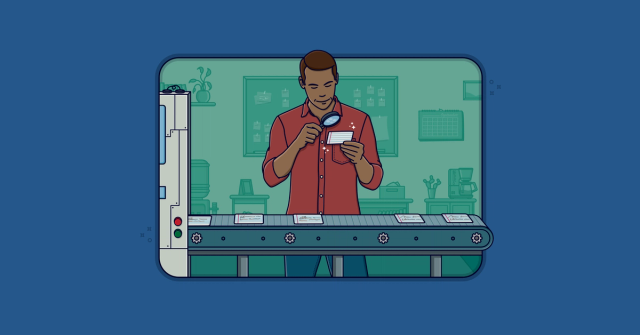
AI Can Write Backlog Items. It Can’t Create Shared Understanding
FeaturedAI can generate polished user stories and acceptance criteria in seconds. Learn how to use it without skipping product judgment, user evidence, or team conversations.

Mastering User Stories
FeaturedA one-day course where your team improves real backlog items while learning how to write, split, and refine better stories.

Backlog Story Improvement
FeaturedGet hands-on coaching to improve backlog quality, story splitting, refinement, and the flow of work from idea to delivery.
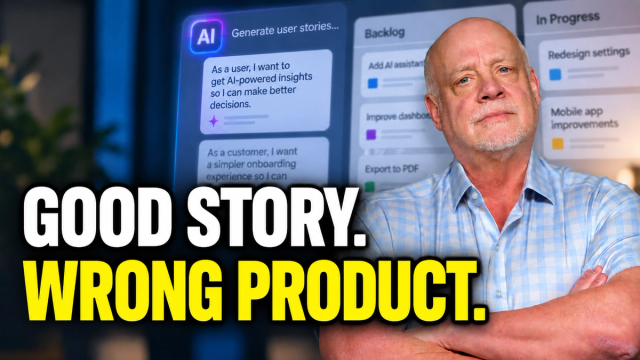
AI Can Write User Stories. But Should You Build Them?
See why polished AI-generated stories can still describe the wrong product—and how teams keep product judgment in the loop.

Backlog Refinement Workshop
Improve refinement using real backlog items so planning is clearer and faster.
Product Backlog Refinement Checklist
Use this practical checklist to decide whether backlog items are clear and ready enough for an upcoming sprint.

Writing the Product Backlog Just in Time and Just Enough
Keep backlog detail just enough and just in time.
5 Ways Backlog Refinement Goes Wrong (and What to Do Instead)
Avoid five common refinement traps and make near-term backlog items ready without overdoing the detail.

Story Writing Workshop
Improve real backlog items in a facilitated workshop using work your team actually needs to deliver.

Effective Product Owner
Help Product Owners make clearer priorities, backlog decisions, and stakeholder tradeoffs.

Story Critic
Use a free AI coach to challenge weak backlog items, clarify outcomes, and improve the conversations around them.
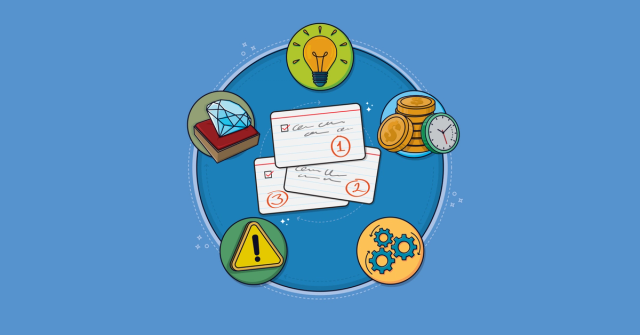
5 Key Factors for Effective Product Backlog Prioritization
See how value, cost, learning, risk, and dependencies affect product backlog ordering.

Four Steps to Keep Your Product Backlog Small and Manageable
Reduce clutter so the backlog stays useful for prioritization and product decisions.
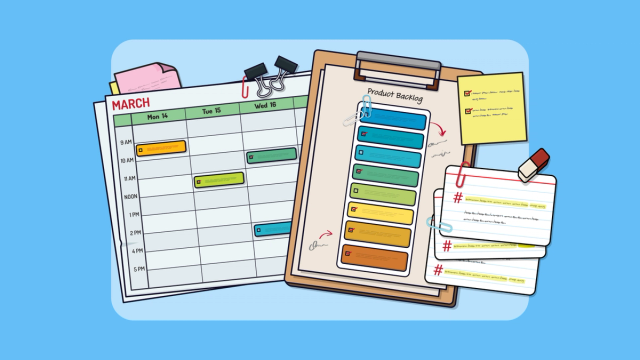
Make the Product Backlog DEEP
Use the DEEP qualities to keep a backlog appropriately detailed, estimated, emergent, and prioritized.

Why Your Product Backlog Should Look Like an Iceberg
Shape the backlog so near-term items are detailed and lower-priority work stays lighter.
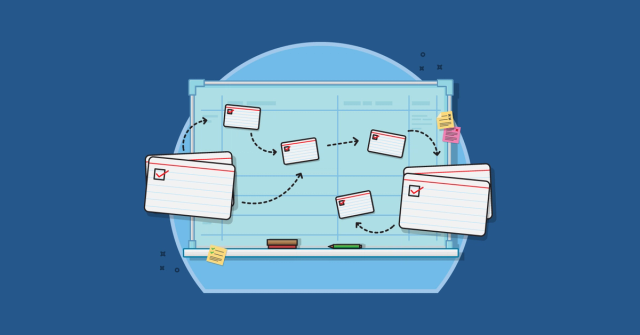
Product Backlog Refinement
Learn how, when, and why the whole agile team refines the product backlog.
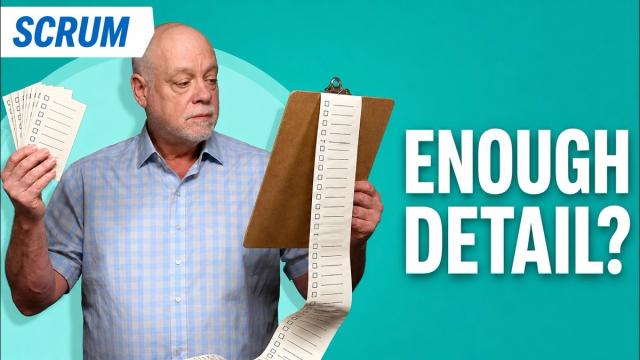
Backlog Refinement: When Is a Story Ready for a Sprint?
Use a practical standard for deciding when a story is ready enough to enter a sprint.
Bugs on the Product Backlog
See when bugs belong on the product backlog and how Product Owners can weigh them against other work.
Who Can Add Items to the Product Backlog?
Clarify who can add backlog items and how Product Owners retain control of priority decisions.
Not Everything Needs to Be a User Story: Using FDD Features
Choose the backlog-item format that best supports understanding instead of forcing every item into a user story.
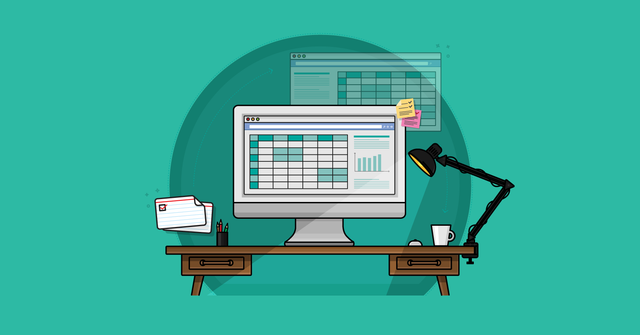
A Sample Format for a Spreadsheet-Based Product Backlog
See a simple spreadsheet format for organizing a product backlog when a dedicated tool is unnecessary.
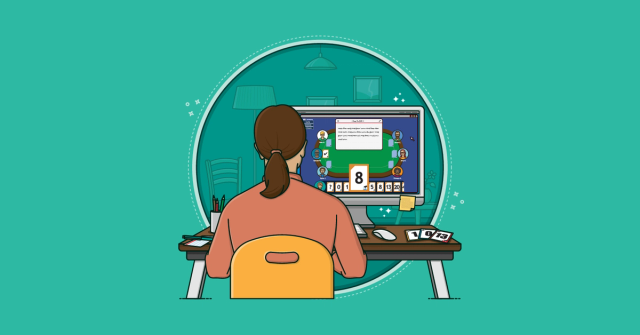
Four Reasons Agile Teams Estimate Product Backlog Items
Understand the benefits of estimating backlog items beyond predicting when work will finish.
SPIDR: Five Simple but Powerful Ways to Split User Stories
Use five practical SPIDR techniques to split large stories into smaller, manageable pieces.
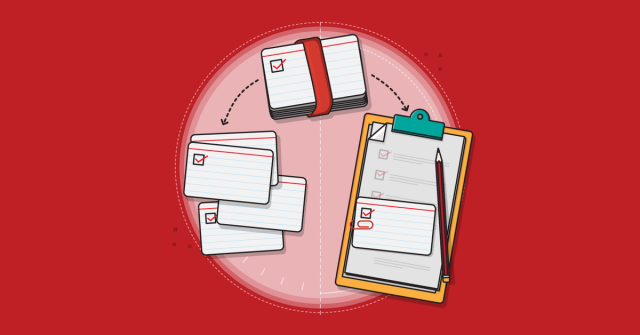
The Two Ways to Add Detail to User Stories
Learn two ways to add detail to deliberately lightweight user stories at the right time.
Story Splitting Quick Reference
Keep a practical story-splitting reference beside the team during backlog refinement.
AI Prompts for Writing Better User Stories
Use reusable AI prompts to draft, assess, and improve user stories and acceptance criteria.
Backlogs
Watch a curated series about shaping, prioritizing, refining, and sizing effective backlogs.
User Stories
Watch a curated series on writing, refining, splitting, and mapping user stories.